Applications
How AI Tools Help Students Save Time on Assignments

Gone are those days when a student had to create the complete assignment or research paper on their own. AI tools have made the process much easier and quicker because, as a student, you don’t have to read lengthy documents, as AI can extract key points from them.
Similarly, now you don’t have to browse through countless webpages, articles, and PDFs to get information about a certain topic. You can simply paste the topic into an AI tool, and it will find you all the information.
Similarly, artificial intelligence has also made it easier for students to find and verify information on the internet before including it in their assignments or RPs.
Let’s explore certain AI tools and discover how students can benefit from them and complete hours of work in minutes.
How AI Tools Assist Students in Their Assignments & RPs
The sole purpose of AI tools is to improve the efficiency and speed of a task that a normal human would take hours to complete. So, here are some benefits of AI tools for students
1. Provide Fast and Accurate Results
AI tools are built for speed and accuracy so that students can discover exact information they need in a jiff. Gathering information, creating outlines, writing articles, and proofreading content are time-consuming tasks. For an instant solution, students can utilize AI-powered tools to draft and prepare assignments and RPs.
Besides, with speed, AI research tools can discover the most up-to-date information about the topic and share it with you. You don’t have to spend hours finding authentic information online to include in your assignment or research paper.
2. Find Information from Different Platforms
Students mostly rely on Google to find information, but valuable insights are often available on platforms like Quora, Reddit, Facebook, and YouTube. On these platforms, you will only find user-generated content, such as personal experience, discussion, and practical solutions.
Manually searching through these platforms can be hectic and time-consuming, but with AI tools, this can be done with ease. They can search through different platforms and search engines to find the most relevant and up-to-dated data about the topic you search. And all it takes are a few seconds to find hidden information.
3. Discover the Original/Full Source of Video
Videos have become a primary source of information in today’s world. People now record the video of any event and post them on social media to inform others. So, as a student, if you are writing an assignment on a political or environmental topic, you can use videos to build credibility.
If you only have a short clip and need to locate the original full-length video, then AI reverse video search tools can do that in seconds. They search through an indexed database and trace the original video across search engines and social platforms.
4. Create Content Faster Than a Human
Another benefit of AI tools is that they can create content faster than a human. If the deadline is near and you haven’t started the assignment or research paper, then you can utilize AI content creation tools to prepare a draft and make changes to it accordingly.
This way, you will be able to complete your assignment before the deadline and complete the rest of the tasks as well.
5. Instantly Summarize Large Texts
If you have a complete research paper or a video lecture and don’t want to read it, then AI can provide you with a quick summary of it. AI summarizers can promptly analyze the complete paper or article and fetch key information so you can understand the complete concept.
This means you don’t have to spend hours reading lengthy documents or research papers to find information. Instead, you can simply paste the URL or upload the document into the tool, and it will give you good results.
AI Tools That Can Save Students’ Time on Assignments & Research Papers
Here’s a list of some best AI-driven tools that students can utilize to prepare their assignments or research papers in no time.
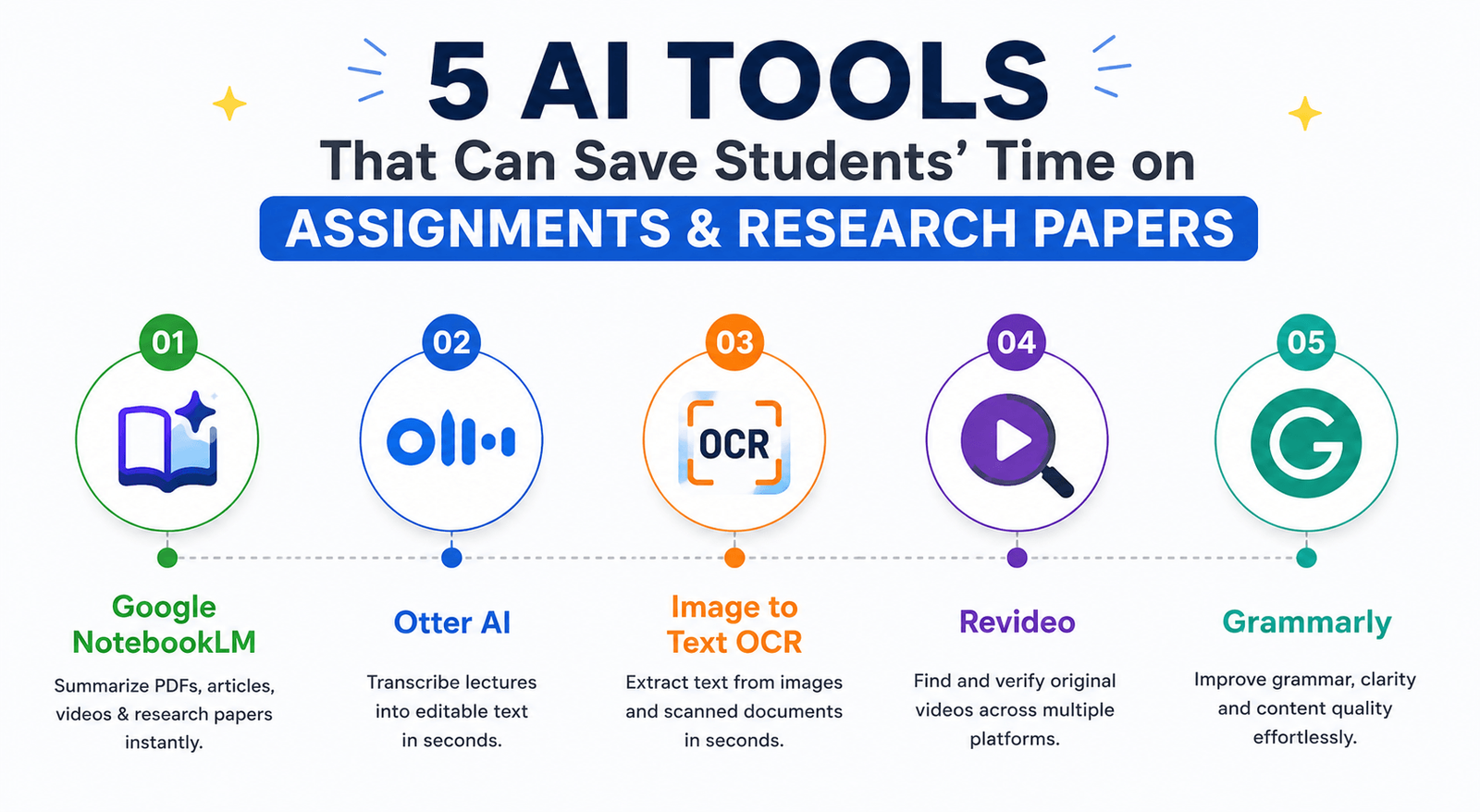
1. Google NotebookLM – For Summarizing Information
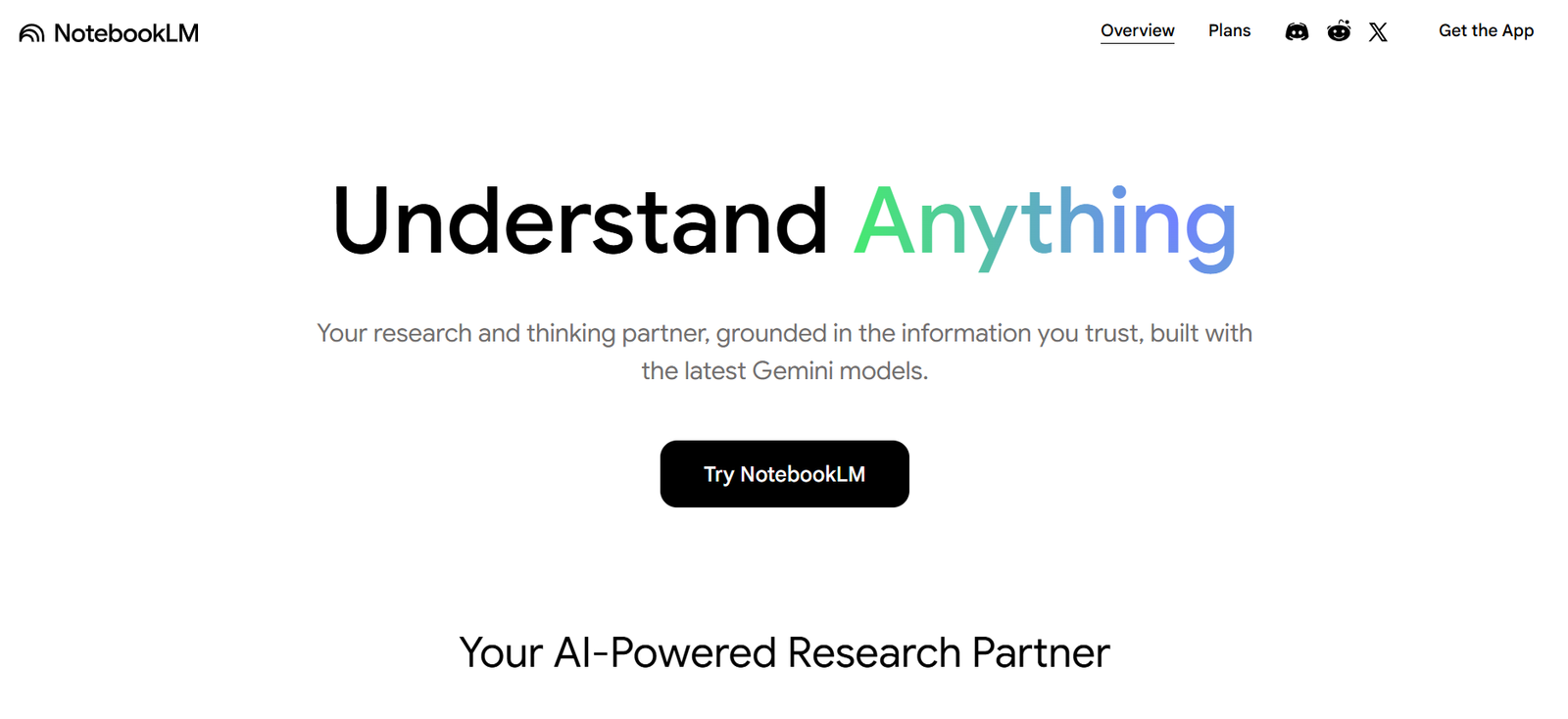
Google NotebookLM enables students to analyze and summarize any kind of information. Whether it’s a research paper, PDF, article, or YouTube video, this tool can effectively extract key information and allow you to ask follow-up questions in real-time.
Students can upload multiple documents and PDFs to quickly find the main data about a topic for a writing assignment or research paper. With NotebookLM by Google, students don’t have to read full-length documents to get information about something.
| Cons | |
|---|---|
| Can summarize PDFs, articles, research papers, and videos. | Requires a Google account to use. |
| Allows students to ask follow-up questions based on uploaded sources. | Responses are limited to the sources you provide. |
| Supports multiple documents in a single workspace. | The tool struggles with handling large team collaborations. |
| Helps organize research material in one place. |
2. Otter AI – For Transcribing Lectures
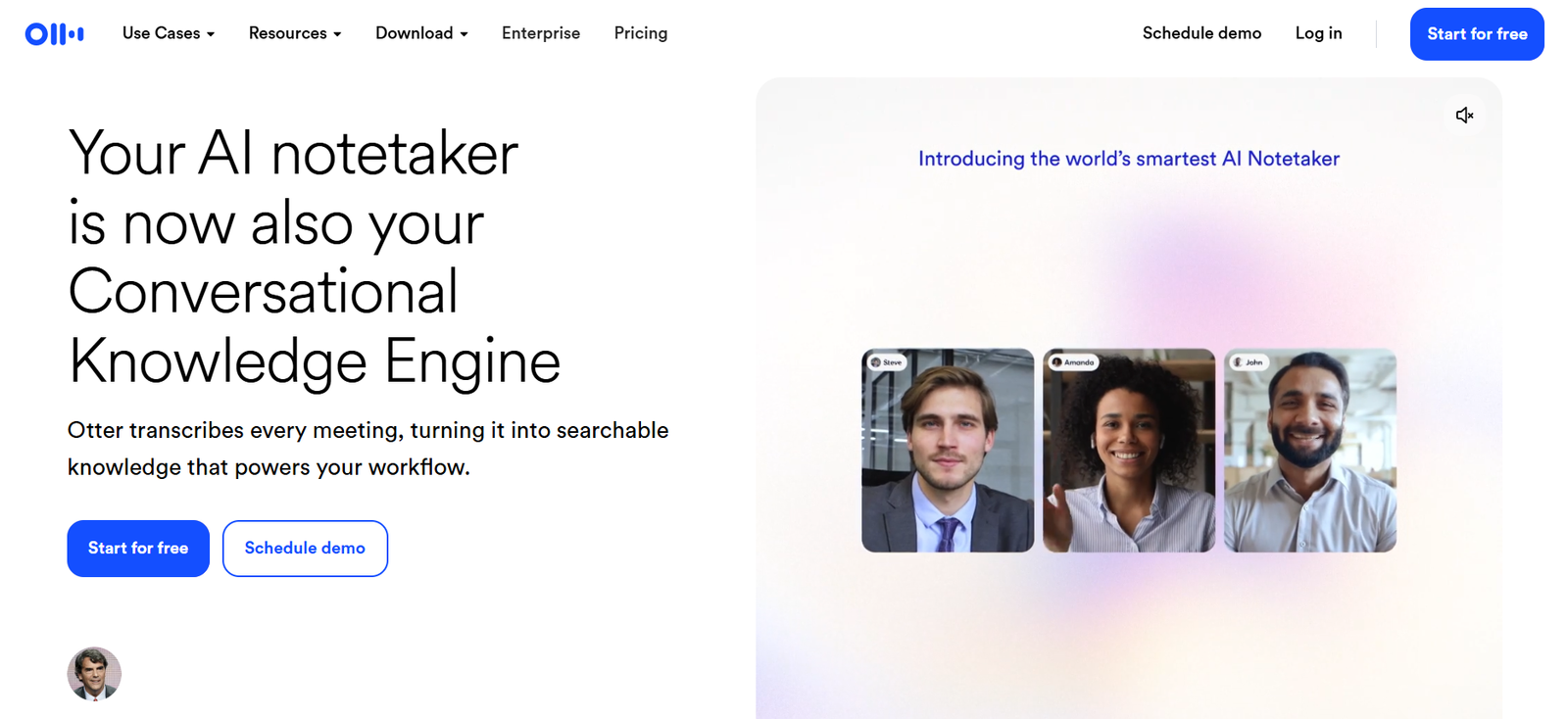
Mostly, students encounter this problem when they are taking notes during a lecture, but the instructor is explaining complicated concepts hurriedly. They often miss critical details while trying to write down everything.
In that case, Otter AI solves the problem by giving students the accessibility to turn their recorded lectures into text that can be edited. This AI tool allows students to prepare accurate notes without worrying about missing important information during class.
| Cons | |
|---|---|
| Transcribe recorded lectures into editable text. | Accuracy may decrease when audio quality is poor. |
| Save students from typing everything manually. | The free plan comes with limited transcription minutes. |
| Searchable transcripts make revision easier. | Their chat support team takes too much time to answer. |
3. Image to Text OCR – For Extracting Data from Images
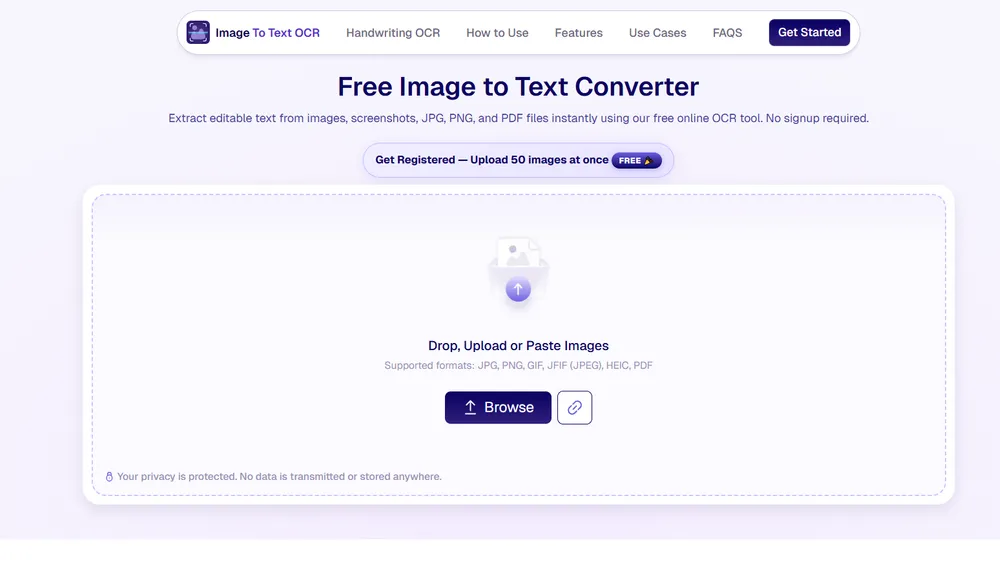
As a student, you take pictures of important information during lectures and then type them manually to save digitally. This is quite a time-taking process, but if there’s a lot of data that you need to digitize, then Image to Text OCR is the best choice for you.
It’s an OCR-powered tool that students can utilize to extract data from images and save them digitally for easy access and editing. Imagetotextocr.com also enables users to do bulk image extraction in a single turn.
| Cons | |
|---|---|
| Extracts text from images and scanned documents in seconds. | It does not provide dark mode. |
| Completely free usage with no limitations. | Extracted text often loses formatting. |
| Allows students to extract text from 50 images at a time. | Not good for extracting text from low-quality images. |
| Requires no login or registration. | |
| Capable of extracting text from distorted & blur images. |
4. Revideo – For Finding & Verifying Video Information
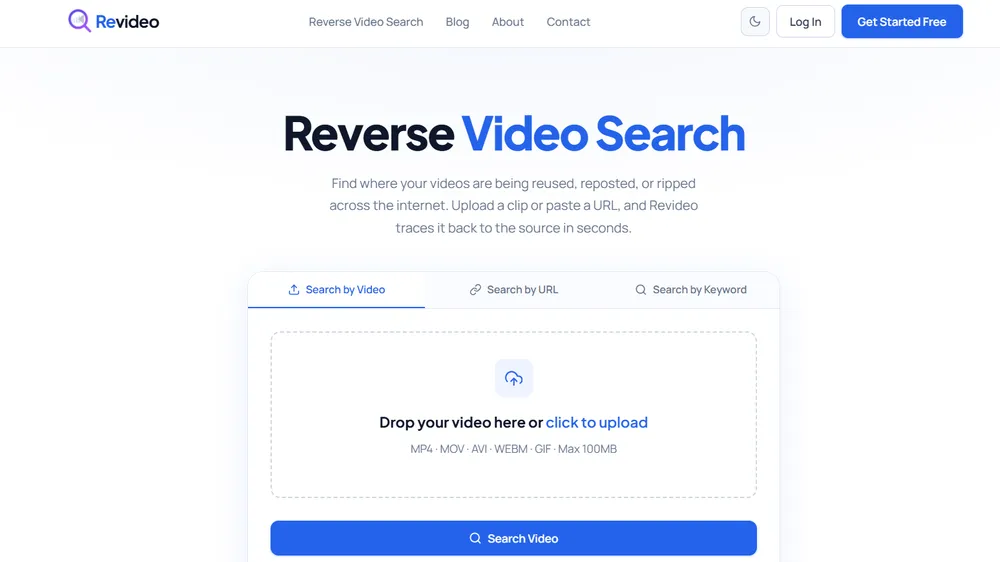
If you have seen a clip of an environmental disaster on social media and need to locate the complete video so that you can include it in your assignment, Revideo can help. This AI-powered tool enables you to locate the original/full video on the internet and also verify whether it’s the latest news or someone just reposted an old video.
Revideo.io is a reverse video search tool that utilizes Computer Vision (CV) and Machine Learning (ML) to find similar footage across social media and search engines. It helps students to find authentic and real videos so that they can include them in the assignment/RPs and get high grades.
| Cons | |
|---|---|
| Free to use with no limitations. | Batch processing is not available yet. |
| Powered by advanced artificial intelligence. | The support team may take some time to respond. |
| Find similar videos across multiple platforms. | |
| No login or registration needed. |
5. Grammarly – For Improving Content Quality
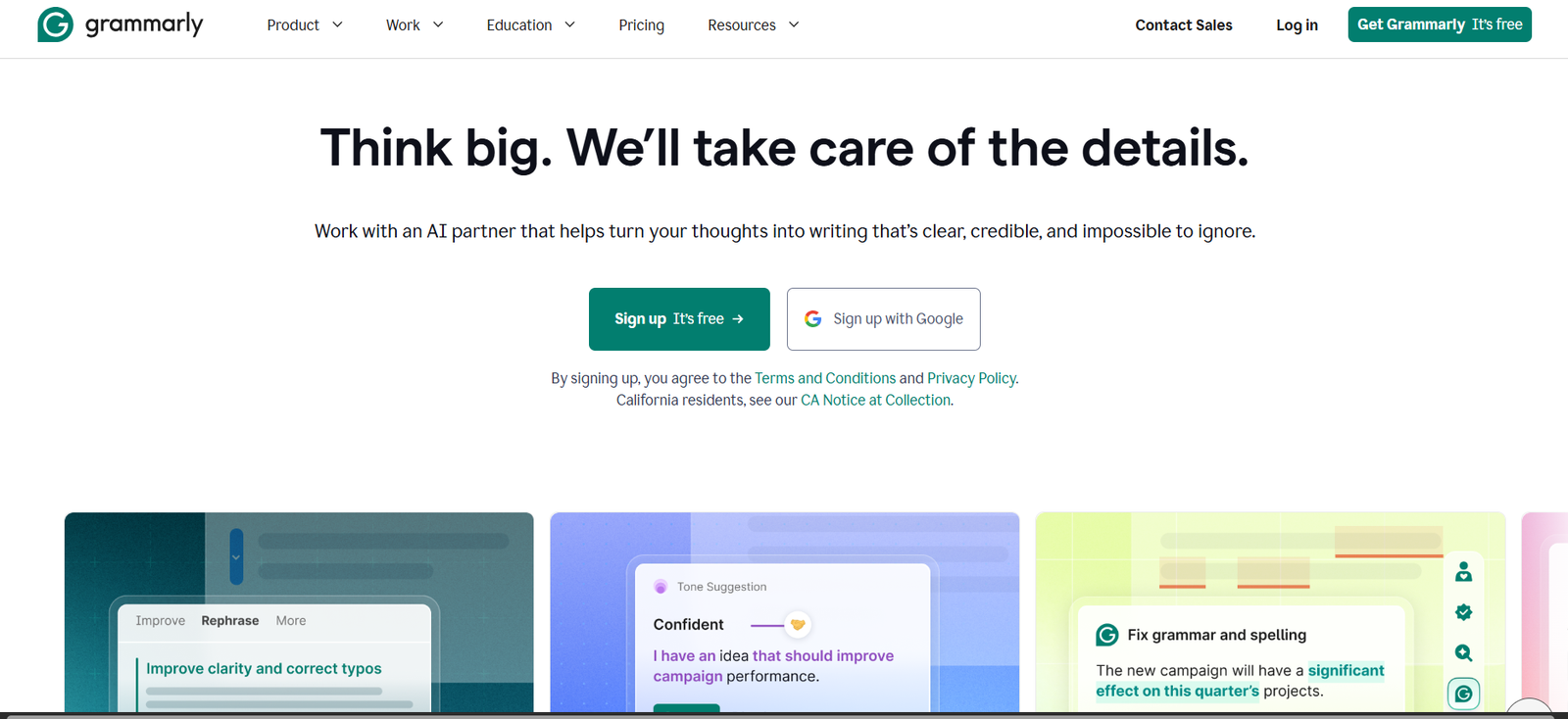
Grammarly is a go-to tool for students to improve their writing and fix grammatical errors. It doesn’t matter if a student is writing an assignment or a complete research paper; Grammarly can assist them with correcting spelling mistakes and improving clarity.
Students can review the provided suggestions from Grammarly and make alterations where necessary to ensure the content is of high-quality and error-free. This grammar checker can save a lot of students’ time that would have been spent on proofreading their assignment or research paper manually.
| Cons | |
|---|---|
| Analyze and adjust your writing style. | The free version only lets you fix spelling and clarity issues. |
| Works across different apps (MS Word, Docs, and Outlook) | Sometimes provides wrong suggestions. |
| AI feature available to rewrite complete content instantly. | Only available for English users. |
Wrapping Up
With that, this article comes to an end here.
Simply put, AI tools are transforming the way students handle assignments and research papers by making research, writing, summarizing, and fact-checking much faster and easier. Students can use AI tools to do these things in minutes, rather than hours of searching for information, reading through lengthy documents, or organizing notes. AI should complement rather than supplant critical thinking skills, though. If utilized effectively, these tools can enhance productivity, save time, and enable students to create quality academic work in less time.